
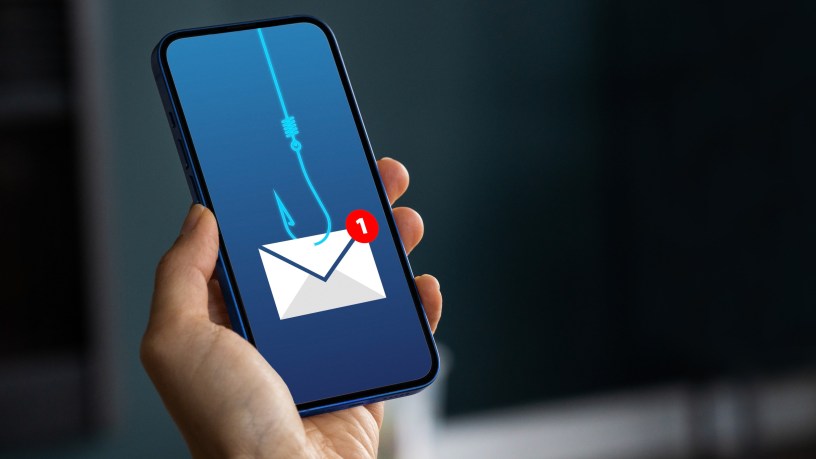
As the National Cyber Security Centre (NCSC) reports a 130% increase in nationally significant cyber incidents over the past year, expert training provider High Speed Training is urging the public and businesses to stay alert to the evolving threat of phishing.
With phishing accounting for the vast majority of reported cyber breaches in the UK, the threat has moved beyond simple emails. Cyber criminals are now leveraging AI to create hyper-realistic “smishing” (text) and “vishing” (phone) scams that are increasingly difficult to detect.
Dr. Richard Anderson, Learning Experience Director at High Speed Training said: “Phishing is a ‘human-centric’ crime. It doesn’t rely on hacking a computer; it relies on hacking a person’s trust. In 2026, scammers use AI to remove traditional ‘tell-tale’ spelling errors and create highly personalized messages that reference real projects or familiar brands.
“Whether it’s a fake parcel delivery text or an urgent demand from a ‘colleague,’ the goal is the same: to create a sense of panic that overrides our better judgment.“
5 Red Flags of a Digital Scam
To help the public stay protected, High Speed Training has identified five key warning signs that a communication may be a scam:
- Unrealistic demands or offers: Be wary of any message offering an unexpected refund, prize, or massive discount. If an offer feels too good to be true, it is almost certainly a scam.
- The “urgency” trap: Scammers use pressure to make you act quickly. If an email claims your account will be suspended “immediately” unless you click a link, stop and verify it through an official app or website.
- Suspicious sender details: Always scrutinise the sender’s email address. Scammers often use “look-alike” domains that are one letter off from the official brand (e.g., support@g00gle.com).
- Request for unusual payment: Legitimate organisations will never ask you to pay via an unfamiliar system, cryptocurrency, or gift cards. A lack of standard payment options is a major red flag.
- Vague or missing information: Genuine communications provide clear details, like order numbers or specific account references. If a message lacks these or points to a website with no return policy, do not engage.
Acting fast: What to do if you’ve clicked
If you suspect you’ve fallen victim to a scam, follow these four immediate steps:
- Disconnect: Turn off your Wi-Fi or mobile data to stop any further communication between your device and the attacker.
- Reset: Change your passwords immediately, starting with your email and banking accounts.
- Report: Forward suspicious texts to 7726 and emails to report@phishing.gov.uk.
- Monitor: Check your bank statements for unusual activity and run a security scan on your device.
Dr Anderson continues: “Knowing how to protect yourself from phishing threats is vital. By building a habit of questioning unexpected contact and enabling Multi-Factor Authentication (MFA) on all accounts, users can block the vast majority of these attacks before they even begin.“
For more tips and in-depth guidance, visit High Speed Training Hub, or our article: What is Phishing?
Discover more from
Subscribe to get the latest posts sent to your email.
 news4trafford.co.uk